
If your organic traffic suddenly dropped, here is the direct answer:
Your traffic drop is usually caused by one of these 8 core issues:
Google algorithm update
Manual penalty
Indexing problems
Technical SEO errors
Lost backlinks
Content quality or intent mismatch
Competitor improvement
Tracking errors
Now let’s break this down properly and help you identify the exact cause and fix it.
First: Don’t Panic — Diagnose Before Acting
Many website owners immediately start changing content randomly. That often makes the situation worse.
Instead, you need structured diagnosis.
Before doing anything:
Check Google Search Console
Check Analytics
Compare dates
Look at which pages lost traffic
Traffic drop analysis is about pattern detection.
also known : Why Google Isn’t Indexing My Pages?
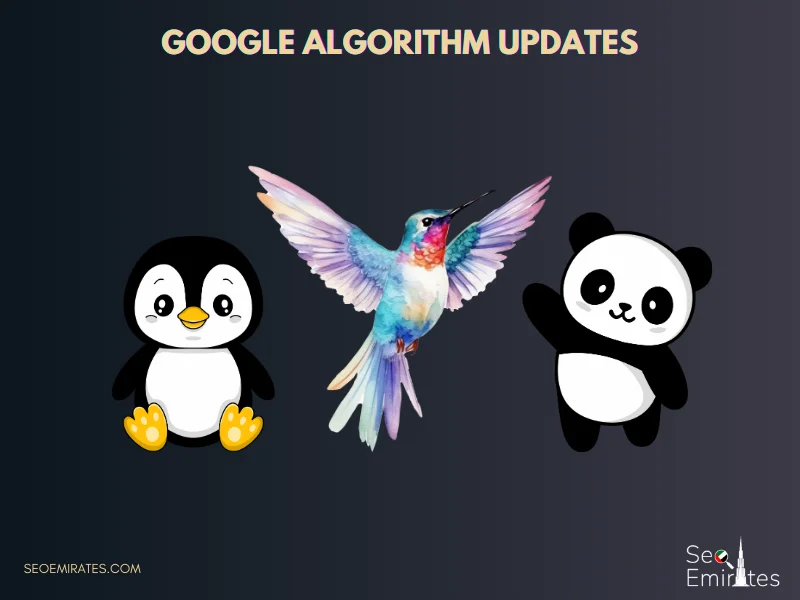
1. Google Algorithm Updates (Most Common Cause)
Google releases multiple updates every year:
Core Updates
Spam Updates
Helpful Content Updates
Product Review Updates
Link Spam Updates
When a core update happens, Google re-evaluates websites based on quality, authority, and trust signals.
Signs It’s an Algorithm Update:
Traffic drops across many pages
Rankings drop sitewide
No technical errors
Drop date matches update date
Why Google Updates Cause Drops
Google may determine:
Your content lacks depth
Competitors provide better value
Your backlinks are weaker
Your site doesn’t match search intent
Your expertise signals are weak
How to Recover From Core Updates
You cannot “undo” a core update. You must improve quality.
Focus on:
Updating outdated content
Adding expert insights
Improving internal linking
Expanding thin articles
Removing low-value pages
Strengthening E-E-A-T signals
Recovery usually happens during the next algorithm refresh.
2. Manual Action Penalties
Manual penalties are different from algorithm updates.
They happen when Google’s team manually reviews your site and finds violations.
Check:
Google Search Console → Security & Manual Actions
Common reasons:
Unnatural backlinks
Spam content
Hidden text
Cloaking
AI spam abuse
Thin affiliate content
If You Have a Manual Action:
Identify the violation
Fix it completely
Submit reconsideration request
Recovery may take weeks.
3. Indexing Issues (Silent Traffic Killers)
Sometimes traffic drops because Google stopped indexing your pages.
Check:
Search:
site:yourdomain.com
Or go to Search Console → Pages → Indexing
Common causes:
Accidental noindex tag
Robots.txt blocking
Wrong canonical tags
Server errors (5xx)
JavaScript rendering issues
Example Scenario:
You redesign your site. Developer adds “noindex” to staging.
It accidentally goes live.
Result? Massive traffic drop.
Always check indexing first.
4. Website Redesign or Migration Errors
Did you recently:
Change domain?
Switch hosting?
Redesign website?
Move from HTTP to HTTPS?
Change CMS?
Migration mistakes are one of the biggest causes of traffic loss.
Common errors:
Missing 301 redirects
Broken URLs
Lost meta tags
Lost internal links
Changed URL structure
Redirect chains
Even small redirect errors can destroy rankings.
Always perform a post-migration SEO audit.
5. Lost Backlinks
Backlinks are still a major ranking factor.
If you lose strong backlinks, your authority drops.
Check tools like:
Ahrefs
SEMrush
Google Search Console Links Report
Why Backlinks Disappear:
Linking site removed page
Domain expired
Link was temporary
Link was paid and removed
Site deindexed
If traffic dropped mainly on competitive keywords, lost links may be the cause.
Rebuild authority with quality link acquisition.
6. Content Quality & Helpful Content Update
Google increasingly prioritizes helpful, human-first content.
If your content is:
Thin
AI-generated without editing
Repetitive
Over-optimized
Keyword stuffed
Lacking real experience
You may lose rankings.
Google now evaluates:
Originality
First-hand experience
Author credibility
Depth
Clarity
How to Improve Content Quality
Add real examples
Expand explanations
Add data & statistics
Improve formatting
Remove fluff
Add FAQs
Improve readability
Helpful content wins long term.
7. Search Intent Shift
Google constantly refines search intent.
Example:
Before:
Keyword = “Best CRM software”
Results = Product pages
Now:
Results = Comparison articles
If your page format doesn’t match intent, you drop.
Fix:
Analyze top 5 results.
Check:
Content format
Length
Structure
Type (guide, list, tool, product page)
Match search intent exactly.
8. Competitor SEO Improvement
Sometimes you didn’t drop — others improved.
Competitors may have:
Built better backlinks
Published stronger content
Optimized pages
Improved UX
Invested heavily in SEO
SEO is relative. Rankings are competitive.
Run competitor analysis:
Compare backlink profiles
Compare content depth
Compare page speed
Compare structure
Then upgrade your pages.
9. Technical SEO & Core Web Vitals
Technical issues silently damage rankings.
Check for:
Slow loading speed
Large image sizes
Mobile usability errors
CLS layout shift issues
Broken internal links
Crawl errors
Core Web Vitals now influence rankings.
Fix:
Optimize images
Improve hosting
Enable caching
Reduce JS bloat
Performance affects user signals.
10. Seasonal Traffic Drop
Not every drop is SEO-related.
Check year-over-year data.
Industries affected by seasonality:
Travel
Real estate
Education
Retail
Events
If the same drop happened last year, it’s seasonal.
11. Tracking & Analytics Errors
Sometimes traffic didn’t drop — your tracking broke.
Check:
Google Analytics code
Google Tag Manager
Conversion tracking
Recently changed theme
Cookie consent blocking scripts
Always confirm real traffic loss before acting.
12. Keyword Cannibalization
If you publish multiple similar pages targeting the same keyword, they compete with each other.
Google gets confused.
Result? Rankings fluctuate or drop.
Fix:
Merge pages
Redirect weaker version
Strengthen one main page
13. SERP Layout Changes
Google sometimes changes search results layout:
More ads
More featured snippets
More AI results
More People Also Ask
Even if ranking remains, CTR drops.
Check if impressions remain stable but clicks drop.
That’s a CTR issue — not ranking issue.
Improve title tags & meta descriptions.
How to Diagnose Properly (Practical Framework)
Follow this order:
Step 1: Check tracking
Step 2: Check manual actions
Step 3: Check indexing
Step 4: Check algorithm updates
Step 5: Check technical SEO
Step 6: Analyze backlinks
Step 7: Compare competitors
Step 8: Improve content
Diagnosis before action.
How Long Does Recovery Take?
Depends on issue:
Technical errors → 1–4 weeks
Manual penalty → 4–8 weeks
Algorithm impact → 2–4 months
Content upgrade → 1–3 months
Backlink rebuild → 2–6 months
SEO recovery requires patience.
When Should You Worry?
If traffic drops:
More than 50% overnight
Across all pages
With deindexing
With manual action
Immediate audit is required.
Prevent Future Traffic Drops
Monitor Search Console weekly
Avoid spam link building
Focus on high-quality content
Improve site speed
Stay updated with Google changes
Regularly update old content
SEO is ongoing maintenance.
Final Thoughts
If your organic traffic dropped suddenly, there is always a reason.
Most cases are reversible — but only if you:
Identify root cause
Avoid panic changes
Improve overall quality
Strengthen technical foundation
SEO is not about shortcuts. It’s about sustainable growth.