
You publish a page.
You optimize it.
You wait.
Days pass.
Nothing shows up in Google.
You search:
site:yourdomain.com/page-url
Still nothing.
If you’re asking, “Why isn’t Google indexing my pages?” — you’re not alone. This is one of the most common technical SEO issues website owners face.
The good news?
Most indexing problems are predictable.
Most are fixable.
And very few are permanent.
In this guide, we’ll break down:
- The difference between crawling and indexing
- 12 real reasons Google ignores pages
- How to diagnose the issue
- Exact fixes that work
- Advanced scenarios most people overlook
Let’s fix this properly.
Crawling vs Indexing vs Ranking (Most People Confuse These)
Before solving anything, understand this:
- Crawling → Google discovers your page
- Indexing → Google stores it in its database
- Ranking → Google decides where it appears
A page can be crawled but not indexed.
A page can be indexed but not ranking.
Always check in:
Google Search Console → URL Inspection Tool
This tells you the real status.
1. Your robots.txt File Is Blocking Google
This happens more than you think.
During development, sites are often blocked from search engines. Then the site goes live — and nobody removes the restriction.
Visit:
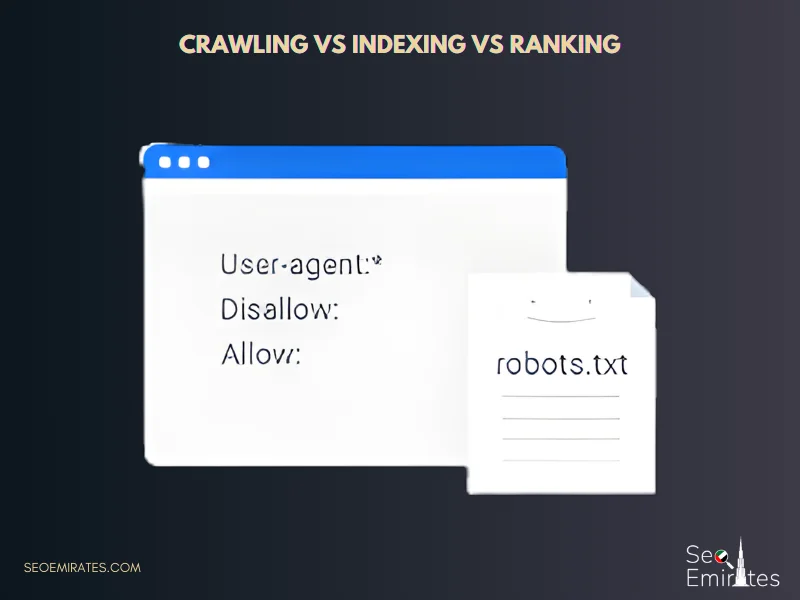
yourdomain.com/robots.txt
If you see:
Disallow: /
Google cannot crawl your site.
Fix
- Remove blocking rules
- Test in Search Console
- Request indexing
2. A Hidden “Noindex” Tag Is Killing Your Page
Sometimes the page looks perfect — but the source code says otherwise.
Example:
<meta name="robots" content="noindex">
Or WordPress setting:
“Discourage search engines”
Why This Happens
- SEO plugin misconfiguration
- Staging settings copied
- Template error
Fix
Remove the noindex directive, clear cache, request indexing again.
3. Google Doesn’t Trust New Websites Yet
If your domain is new, indexing can be delayed.
This is especially true in competitive markets like seo in dubai, where hundreds of businesses compete for authority, backlinks, and visibility. Google doesn’t immediately trust new domains in high-competition industries.
When your website lacks:
- Backlinks
- Brand mentions
- Topical authority
- Internal link structure
Google may crawl but delay indexing.
How to Speed It Up
- Submit XML sitemap
- Build quality backlinks
- Publish related content clusters
- Improve internal linking
Trust builds gradually.
4. Your Content Isn’t Strong Enough to Be Indexed
This is where many websites struggle.
Google doesn’t index everything.
If your page is:
- Thin (300–500 words of generic content)
- AI-generated without unique value
- Rewritten from competitors
- Lacking real insight
It may appear in Search Console as:
“Crawled – currently not indexed”
What Google Is Really Saying
“This page adds no new value.”
Fix
Upgrade the content:
- Add real examples
- Add original insights
- Increase depth
- Answer related questions
- Improve formatting
Google indexes value — not just pages.
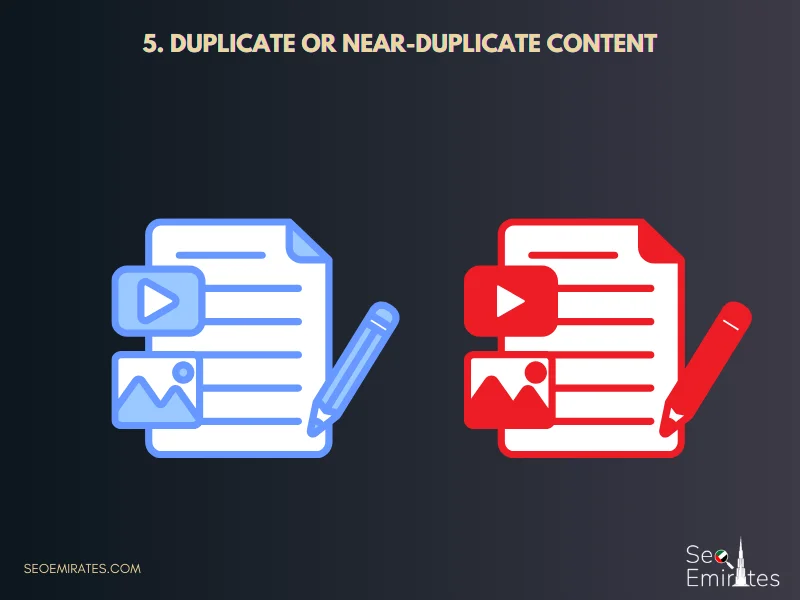
5. Duplicate or Near-Duplicate Content
If your page is too similar to another one, Google may choose only one version.
This is extremely common in industries like real state seo in dubai, where property portals create dozens of nearly identical listing pages targeting different neighborhoods. When descriptions, structure, and keywords barely change, Google consolidates them and ignores the rest.
Common Duplicate Scenarios
- Location pages with swapped city names
- Product variations
- Category filter pages
- Copied blog posts
Fix
- Use proper canonical tags
- Add unique localized content
- Consolidate weak pages
- Differentiate intent
Make every page truly unique.
For deeper understanding of duplicate content handling, Moz has a helpful guide:
https://moz.com/learn/seo/duplicate-content
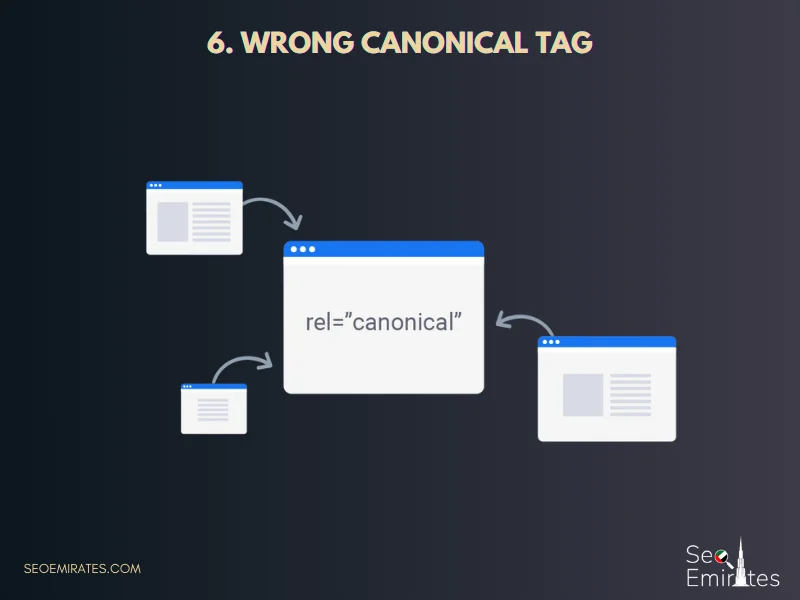
6. Wrong Canonical Tag
A canonical tag tells Google which version of a page to index.
If misconfigured:
<link rel="canonical" href="https://example.com/another-page">
Google may ignore your page entirely.
Fix
Ensure:
- Canonical points to itself (if original)
- No accidental cross-referencing
7. Weak Internal Linking (Hidden Pages Don’t Get Indexed)
Google discovers importance through links.
If your page:
- Has no internal links
- Is buried 4 clicks deep
- Only exists in sitemap
It may not get indexed properly.
Fix
- Link from high-authority pages
- Add contextual anchor text
- Include in navigation if important
Internal linking signals priority.
8. Crawl Budget Issues (Large Websites)
If your website has:
- Thousands of URLs
- Faceted navigation
- Parameter-based filtering
Google won’t crawl everything.
Low-priority pages get ignored.
Fix
- Block unnecessary parameters
- Remove thin tag pages
- Fix redirect chains
- Improve server speed
Guide Google toward what matters.
9. Server Errors (4xx and 5xx Problems)
If Google hits:
- 404 errors
- 500 server errors
- Timeout issues
Indexing slows down.
Check Search Console → Pages → Errors
Fix
- Ensure 200 status code
- Upgrade hosting if unstable
- Fix broken links
Stable servers = better crawling.
10. JavaScript Rendering Issues
Modern websites using heavy JS frameworks sometimes show empty pages to Googlebot.
Google sees:
Blank page.
You see:
Beautiful design.
Fix
- Use server-side rendering
- Ensure JS files aren’t blocked
- Test with URL Inspection tool
11. Google Indexed Your Page — Then Removed It
This is frustrating.
The page appears in search.
Then disappears.
Why?
Often due to:
- Content reassessment
- Thin value
- Stronger competitors
- Algorithm updates
At this point, many business owners start comparing organic SEO with paid alternatives. In competitive markets, understanding the difference between SEO vs Google Ads in Dubai becomes critical. While Google Ads can generate immediate traffic, SEO builds long-term indexing stability, sustainable authority, and organic trust.
If your page gets dropped, the solution is not panic — it’s improvement.
Upgrade the page significantly and re-request indexing.
For a balanced overview of SEO vs paid traffic strategies, WordStream explains it well:
https://www.wordstream.com/blog/ws/seo-vs-ppc
12. Manual Actions or Spam Signals
If your site violates Google guidelines, indexing may be suppressed.
Check:
Search Console → Security & Manual Actions
Common triggers:
- Spam backlinks
- Cloaking
- Hidden text
- Auto-generated spam
Fix issues before submitting reconsideration request.
Step-by-Step Recovery Plan
If your page isn’t indexed, follow this checklist:
- Inspect URL in Search Console
- Check robots.txt
- Check for noindex tag
- Verify canonical
- Improve content depth
- Add internal links
- Submit sitemap
- Request indexing
Most pages get indexed within 24–72 hours after proper fixes.
How to Prevent Indexing Issues Long-Term
- Publish high-quality content only
- Avoid thin pages
- Monitor Search Console weekly
- Maintain clean site structure
- Build authority gradually
Indexing is not automatic. It is earned.
FAQ: Google Not Indexing My Pages
Why is my page crawled but not indexed?
Usually due to low perceived value, duplication, or trust issues.
How long does indexing take?
From a few hours to several weeks depending on authority.
Can I force Google to index my page?
You can request indexing, but Google ultimately decides.
Does updating content help?
Yes — especially when improvements are significant.
Final Thoughts
If Google isn’t indexing your pages, don’t assume something is broken.
Most cases come down to:
- Technical misconfiguration
- Weak content
- Duplicate pages
- Low authority
- Poor internal linking
Indexing is the foundation of SEO.
No indexing → No ranking → No traffic.
If you want a professional technical audit and a precise diagnosis of your indexing issue, the team at SEO Emirates can help identify and fix the root cause quickly and strategically.